LocalEye vs. Frigate: Which Camera System Is Right for You?
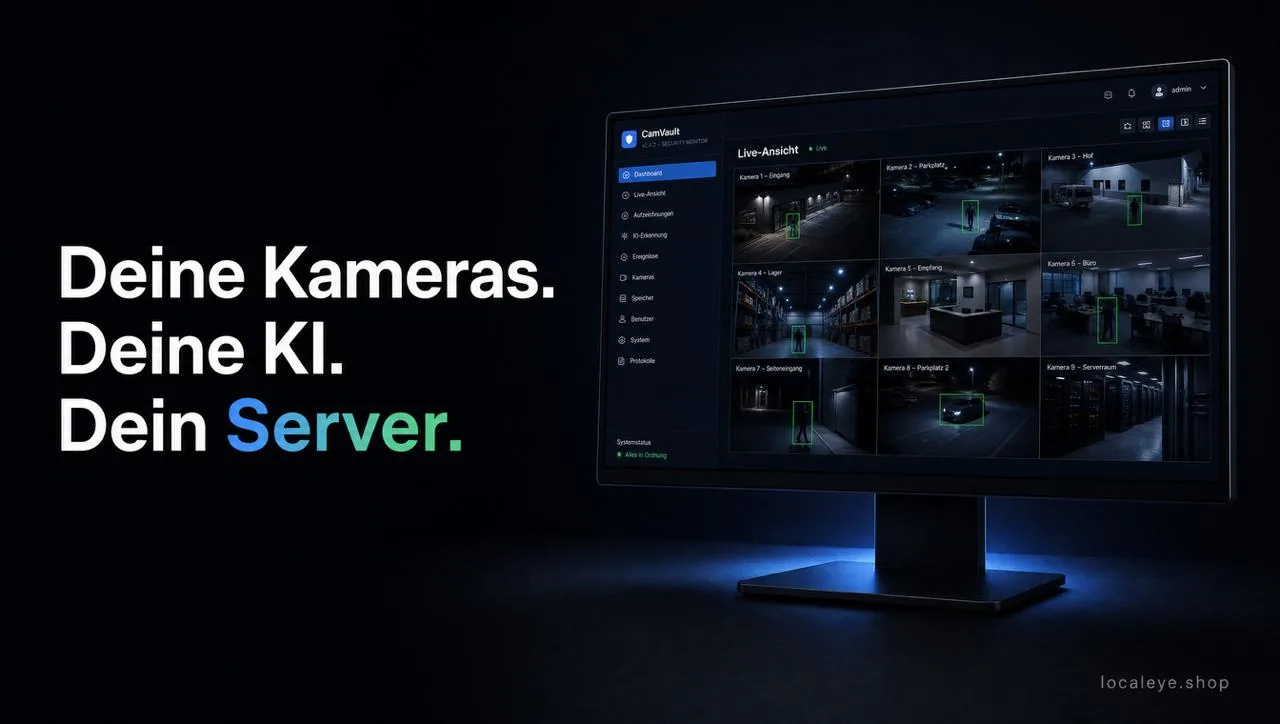
Anyone looking to set up their own locally hosted camera surveillance without cloud dependency almost always comes across Frigate first – the established open-source project from the Home Assistant community. LocalEye follows a similar core idea (local, no cloud account, AI-based object detection), but takes a different approach to access. Here is the honest comparison.
The Basic Idea
Both systems run completely locally via Docker, without camera footage passing through any cloud. Both use an AI model to detect people, vehicles and animals in real time and trigger recordings or notifications based on these events. The main difference lies in how you get there.
Setup & Operation
Frigate is configured via a YAML configuration file – powerful and flexible, but with a steep learning curve. Camera URLs, zones, object types and recording rules are manually edited as plain text. For IT-savvy users this is no problem, but for everyone else it's a hurdle.
LocalEye relies entirely on a web interface: cameras are added via a form with a test button, RTSP access credentials are automatically URL-encoded, and zones can be drawn directly onto the camera feed. No need to edit any configuration files.
AI Detection
- Frigate: proprietary detection framework, very mature, optimized for accelerators like the Google Coral TPU – therefore very performant even on low-end hardware.
- LocalEye: YOLOX runs by default on CPU (with optional Intel iGPU acceleration for decode/encode). On mini-PCs in the Pentium Gold/Celeron class, 4–8 cameras with AI are realistic; with an i5/i7 from the 11th generation onwards, significantly more.
If you have a Coral TPU lying around or need maximum detection performance on very weak hardware, Frigate has the advantage. If you want to get by without additional hardware, LocalEye works well straight out of the box.
Camera Compatibility
Both support standard RTSP/ONVIF cameras from common manufacturers (Hikvision, Dahua, Reolink, Axis, Tapo, UniFi Protect, etc.) as well as generic ONVIF discovery. LocalEye additionally offers a native UniFi Protect API integration, which works entirely without RTSPS streams per camera – including doorbell events as MQTT triggers.
Notifications
Frigate's strength is its deep Home Assistant integration – anyone already running a smart home with HA gets notifications and automations almost for free. Without Home Assistant, sending push messages requires going through additional integrations.
LocalEye comes with nine notification channels built directly in: Pushover, Telegram, Discord, Microsoft Teams, Signal, WhatsApp (via CallMeBot), SMTP mail, generic webhooks and MQTT – including scheduling per channel (weekdays, quiet hours, cooldown to prevent notification storms). No Home Assistant required.
Hosting & Hardware
Both run via Docker Compose on NAS systems (Synology, UGREEN, Unraid, TrueNAS), Raspberry Pi or a dedicated server. For smooth performance on weak hardware, Frigate tends to recommend a Coral TPU, while LocalEye is designed for CPU operation right out of the box.
Maintenance & Support
Frigate relies on community support (GitHub, Discord, forums) – fast, but without any guarantee. LocalEye offers direct support with order ID from the provider, if self-research doesn't get you further.
Conclusion
- Frigate is the right choice if you already have a Home Assistant instance running, YAML configuration is not an issue and optionally a Coral TPU is available.
- LocalEye is the right choice if you want a ready-to-use web interface without configuration files, no Home Assistant dependency should exist and notifications across many channels work straight out of the box.
Both approaches lead to local, cloud-free camera surveillance – the question is whether you'd rather maintain a configuration file or fill in a form.